Understanding Your Wi-Fi Security
ShieldCheck: Your Guide to Network Protection
In today's interconnected world, your Wi-Fi network is the gateway to your digital life. Understanding its security is paramount. ShieldCheck provides a clear, uncomplicated assessment of your current Wi-Fi setup, helping you identify its strengths and potential vulnerabilities. We explain the significance of encryption types like WPA2 and WPA3, and the inherent risks associated with open networks, empowering you to make informed decisions about your online safety.
Encryption Status
Your network's first line of defense.
WPA3 ReadySecurity Level
Assessing your network's overall resilience.
HighIdentifying Public Network Risks
Connecting to public Wi-Fi networks, while convenient, often exposes your device to significant risks. These networks, commonly found in cafes, airports, or hotels, typically lack robust security measures, making them fertile ground for malicious activities. ShieldCheck helps you understand these inherent dangers without ever monitoring your activity.
Our app alerts you to the potential vulnerabilities associated with open networks, such as unencrypted data transmission, which can allow unauthorized access to your personal information. We highlight the risks of 'man-in-the-middle' attacks, where an attacker intercepts communication between your device and the internet, or the spread of malware through compromised network points. ShieldCheck empowers you with awareness, enabling you to make informed decisions about when and where to connect, safeguarding your digital presence from unseen threats.
Data Interception
On open networks, your data might be visible to others.
Malware Distribution
Public Wi-Fi can be a vector for unwanted software.
Snooping & Spying
Unsecured networks allow others to monitor your activity.
Optimizing Router Settings for Security
Your home router is the first line of defense for your digital life. While ShieldCheck focuses on device-level audits, we understand that a secure network starts at its core. This section provides actionable, straightforward recommendations to enhance your router's security, ensuring a robust foundation for all your connected devices.
Many routers come with default settings that are convenient but not always secure. Simple changes can make a significant difference. ShieldCheck guides you through understanding these crucial adjustments, from strengthening your Wi-Fi password to enabling advanced encryption protocols. We demystify technical jargon, offering clear steps you can take to protect your network from unauthorized access and potential vulnerabilities.
By implementing these recommendations, you're not just securing your Wi-Fi; you're safeguarding your personal data, privacy, and peace of mind. ShieldCheck empowers you with the knowledge to transform your router from a potential weak point into a formidable guardian of your home network.
Step-by-Step Security Enhancements
Change your router's default administrative password and Wi-Fi password to strong, unique combinations. Avoid easily guessable information.
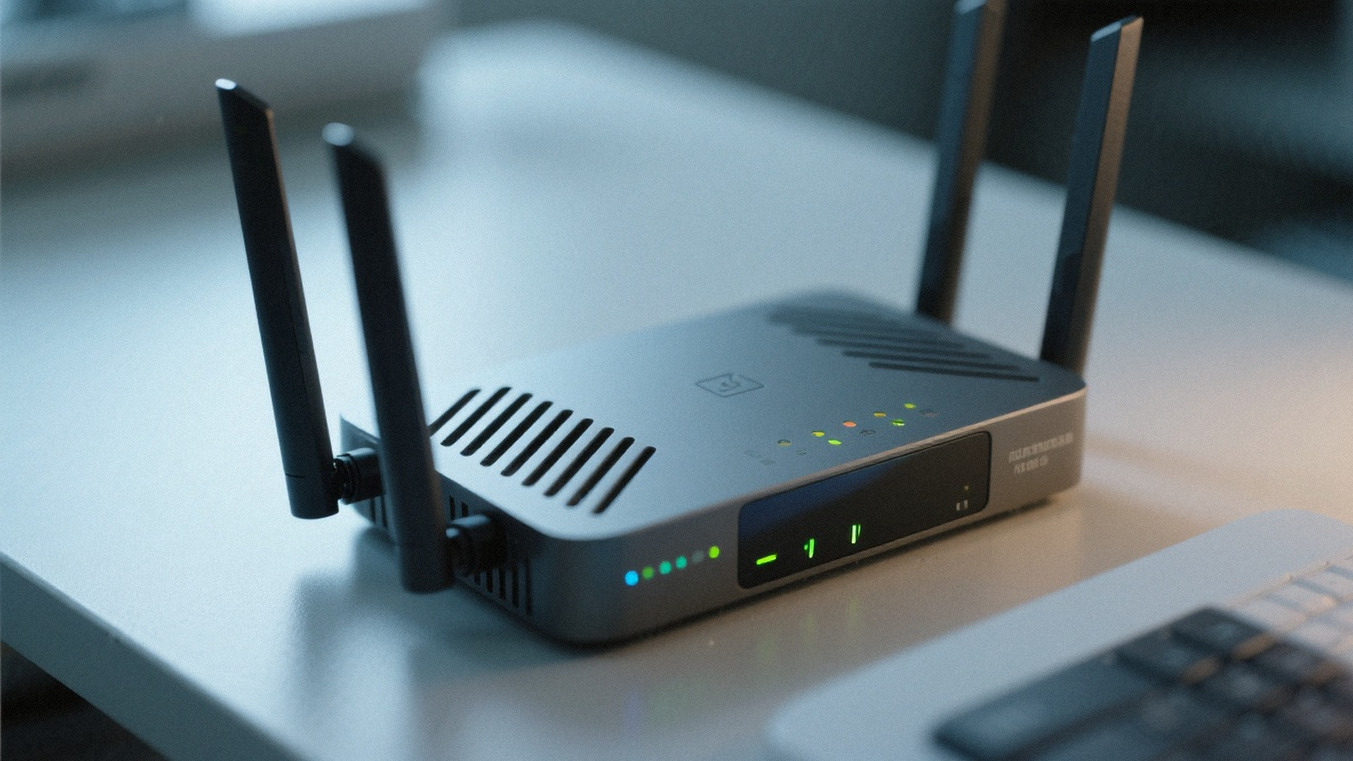
Router manufacturers frequently release firmware updates that include security patches. Keeping your firmware current is vital for protection against known vulnerabilities.

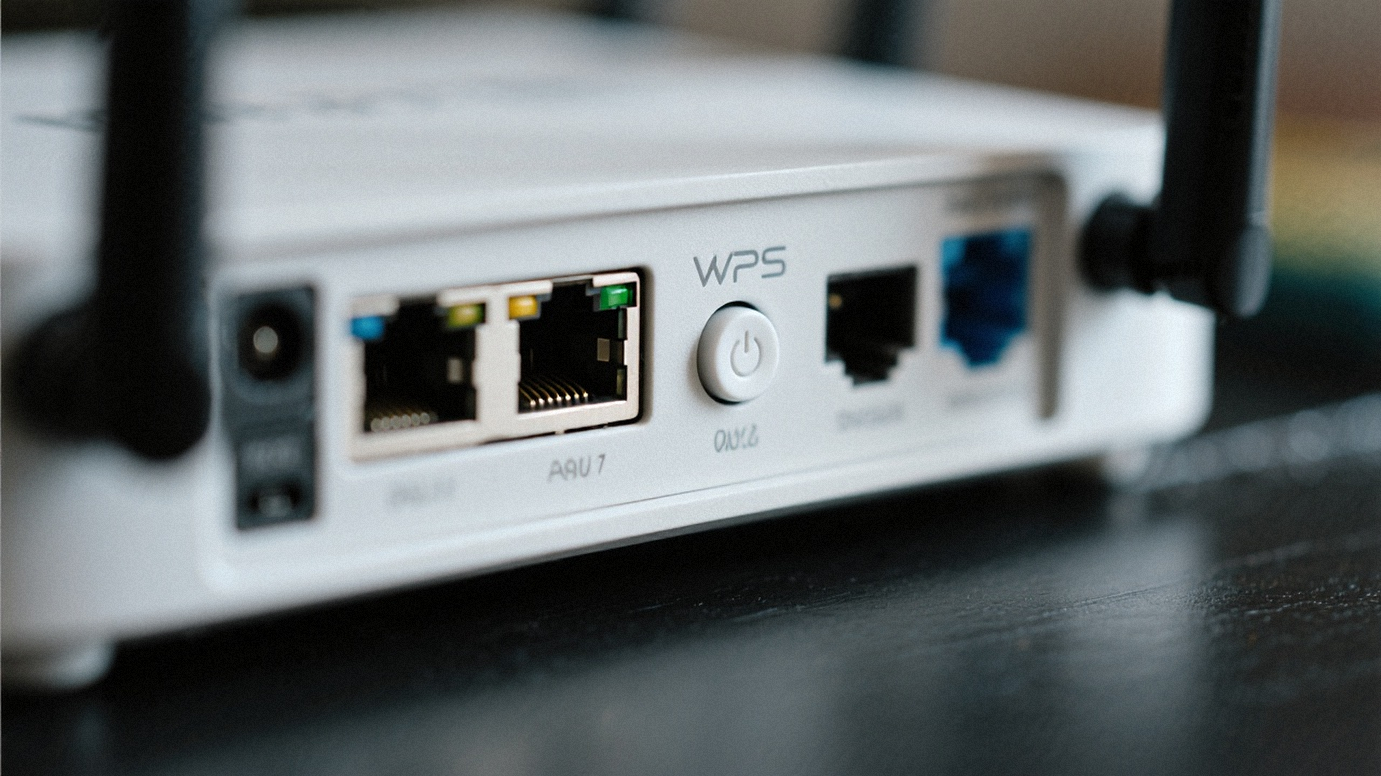
While convenient, WPS can be vulnerable to brute-force attacks. Disabling it adds an extra layer of security to your network.
If your router supports it, upgrade your Wi-Fi encryption to WPA3 for the strongest available security. If not, ensure you are using WPA2-AES.
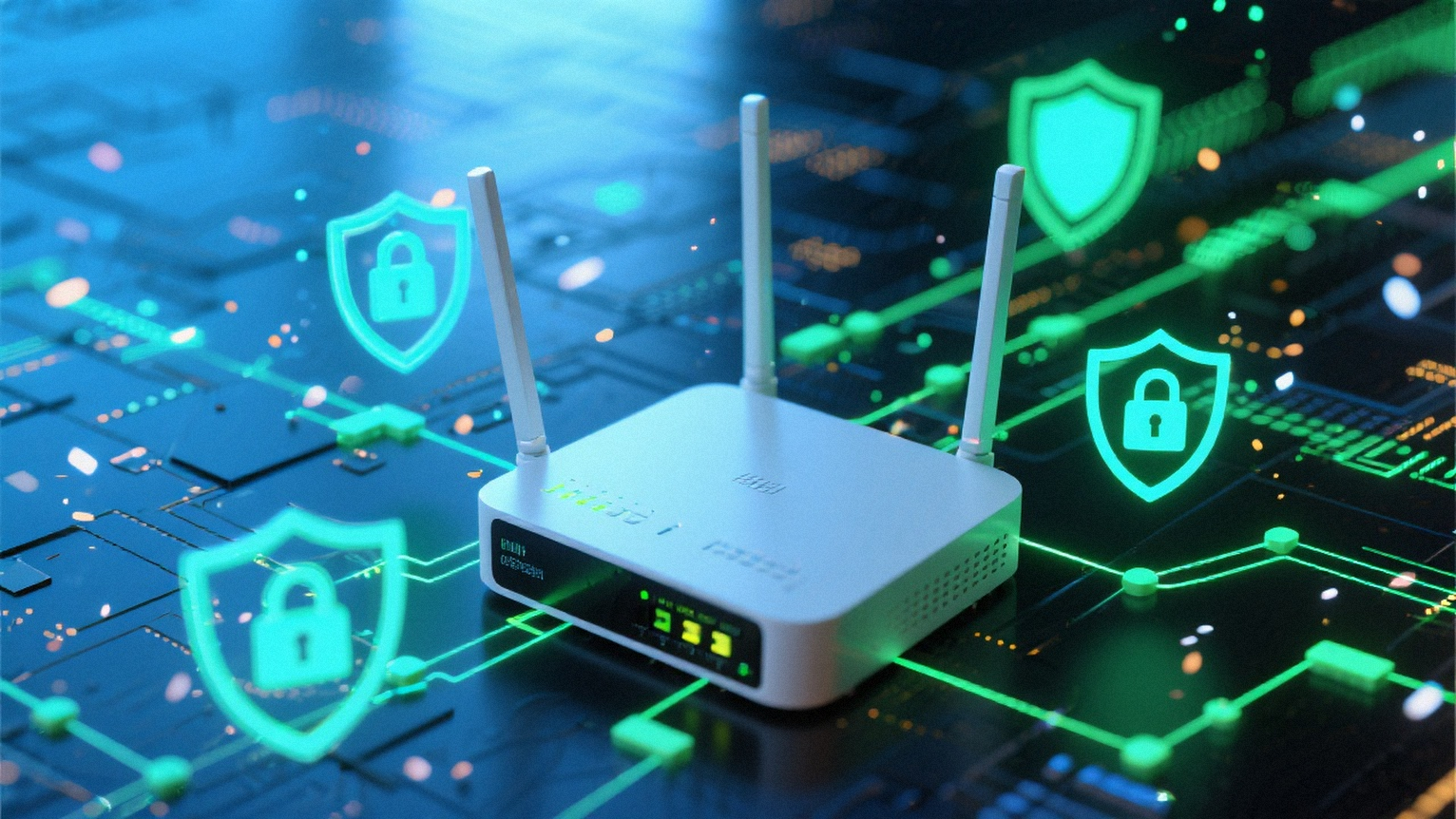
Provide a separate guest network for visitors. This keeps your main network isolated and secure from external devices.

For more insights into your device's security and internet performance, explore our other features:
ShieldCheck's Wi-Fi Audit Features
ShieldCheck offers a focused, on-device assessment of your Wi-Fi security. We provide insights into your network's configuration without transmitting your data or monitoring your online activities. Our approach is designed to empower you with knowledge, allowing you to proactively address potential vulnerabilities and enhance your digital safety.
Our audit features are built on the principle of transparency. You'll see clear, actionable information about your Wi-Fi encryption, potential risks on public networks, and recommendations for optimizing your router settings. This isn't about scare tactics; it's about providing you with the tools to understand and improve your network's resilience. With ShieldCheck, peace of mind comes from clarity and control over your own digital environment.

Local Analysis, Instant Results
ShieldCheck performs all Wi-Fi security checks directly on your device. This means your network information never leaves your phone, ensuring maximum privacy. Get immediate feedback on your Wi-Fi setup, from encryption type to potential vulnerabilities, all without cloud processing or data collection.

Actionable Recommendations
Beyond identifying issues, ShieldCheck provides clear, easy-to-follow recommendations. Whether it's suggesting a stronger encryption standard or advising caution on public networks, our app guides you toward a more secure Wi-Fi environment. These insights help you make informed decisions to protect your digital footprint.

Privacy-First Security
We believe your security tools should respect your privacy. ShieldCheck's Wi-Fi audit features are designed with a strict privacy-first approach. There's no remote monitoring, no data transmission, and no personal information collected. Your network's security status remains yours alone.